
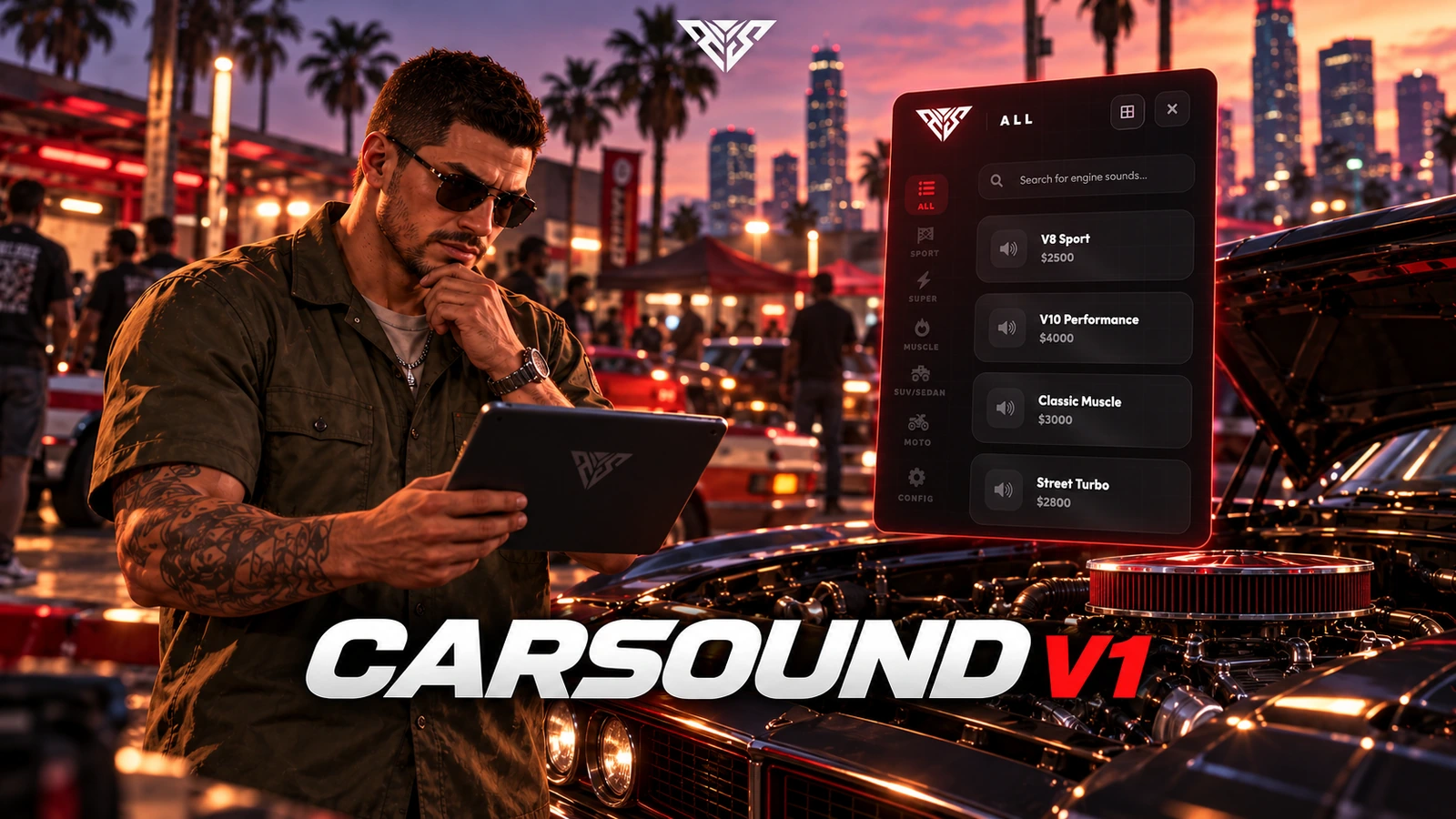
AWS CarSound V1
A workshop interface for previewing, purchasing and saving vehicle engine sounds by plate.
Installation
Requirements
- oxmysql
- QBCore or ESX. A Qbox branch is included, but its exports and staff permission checks must be checked against your core before live use.
Startup order
This example selects one framework and target. Use the resources matching your configuration and start dependencies first.
ensure oxmysql
ensure qb-core
ensure aws-carsounds
Setup steps
- Use V1 or V2 on a server, rather than starting both. They share sound commands and integration identifiers.
- Back up player_vehicles (QB) or owned_vehicles (ESX). The server attempts to add the engine_sound column automatically; the database user needs ALTER permission. No separate SQL installer is included.
Gameplay and usage
- Enter a configured workshop in a vehicle and use the interaction prompt.
- Authorized staff can open /carsound when Config.Admin.AllowCommand is enabled.
Configuration
- config.lua: Config.HeaderTitle, Config.Currency and Config.MoneyType control presentation and payment account.
- Config.Locations sets workshop coordinates, mechanic job and requireJob rules. Config.RequireJob enables the general job check.
- Config.Sounds defines the engine sound entries and prices. Config.Admin controls the carsound command and staff groups.
- Config.Interaction selects classic, modern or ox_lib prompts. Start ox_lib before this resource if you select that integration.
Exports and integrations
No public callable export is declared with exports() in these source files. Use the documented commands or configuration; internal network events are not a trusted integration API.
Troubleshooting
-
If no workshop opens, check coordinates, job name, requireJob and vehicle blacklist.
-
If purchases do not persist, verify the plate exists in the framework vehicle table and inspect the engine_sound column.
-
Include the package version, framework and exact server/F8 error when requesting support. Remove private tokens and player data.
Package reference
| Manifest | Version |
|---|---|
fxmanifest.lua |
2.5.0 |
Database files
No standalone SQL file is included. Check the installation steps above for tables created by server code.
Configuration reference
aws-carsounds/config.lua:HeaderTitle,Currency,DefaultPrice,MoneyType,RequireJob,Admin,Blips,Logs,Blacklist,Interaction,Marker,Locations,Sounds
Frequently asked questions
Does this need Keymaster or an escrow key?
The Lua sources in this delivery package were readable in the static audit. No /assetpacks requirement is added by this package. Required framework, inventory and map resources still need to be installed separately.
Can I change the folder or database table names?
Keep the supplied folder names. Historical event, SQL and KVP identifiers are retained to protect existing integrations and saved data. Renaming a table or event requires a separate migration.
Why is an interface or item missing?
Check the startup order, selected framework/target adapter, inventory item definitions and the server/F8 console. The package does not install an entire framework or inventory for you.
Has this been tested on my server?
ZIP integrity, source readability, script syntax and manifest references were checked locally. Multiplayer gameplay, your framework version and integrations require a FiveM server acceptance test before a public release.
Sound library and edition differences
CarSound V1 includes 95+ engine sounds across 5 categories. The supplied configuration contains 95 selectable sound entries.
- V1: 95+ sounds, five categories, workshop previews and plate-based saved installations.
- V2: 151+ sounds, six categories including Police, favourites, price sorting, installed badges, rev preview, reset-to-stock and dedicated sound storage. These V2 options are configurable.
Install one edition per server: V1 and V2 share commands and integration identifiers.