
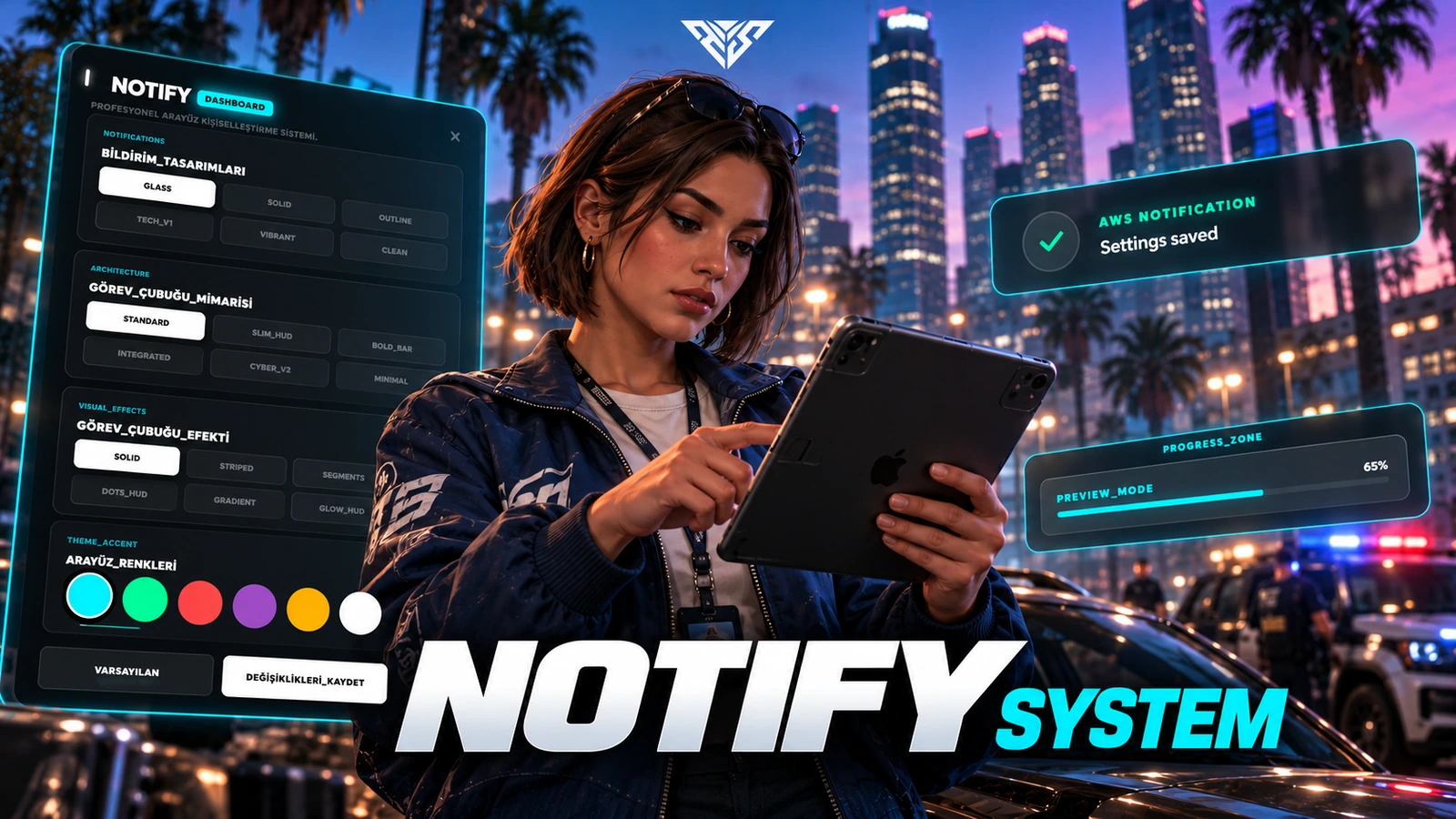
AWS Notify & Progressbar
Notification and progress-bar exports with an in-game appearance editor and saved client preferences.
Installation
Requirements
- FiveM; standalone exports are included
- Optional QBCore/ESX notification event hooks selected by Config.Framework
Startup order
This example selects one framework and target. Use the resources matching your configuration and start dependencies first.
ensure aws-notify
Setup steps
- Install this resource before scripts that call its exports.
- Set Config.Framework to the matching framework or auto. This build detects the qbox resource name in auto mode; use the explicit qbox selection with the appropriate compatibility setup.
- No SQL import is required. User preferences are stored in client KVP keys. Legacy event and KVP names are retained for upgrade compatibility.
Gameplay and usage
- Open /notifymenu to customize, reposition and save the interface.
- Client notification example: exports['aws-notify']:Notify('Saved', 'success', 4000).
- Client progress example: exports['aws-notify']:Progress({name='example', label='Working', duration=3000, canCancel=true}, function(cancelled) end). The callback receives false on completion and true on cancellation.
Configuration
- config.lua: Config.Locale selects tr or en.
- Config.SettingsCommand defaults to notifymenu.
- Config.DefaultConfig sets notification style, progress style/fill, accent and element offsets.
- locales/en.lua and locales/tr.lua contain editor labels.
Exports and integrations
aws-notify.Notif— seeaws-notify/client/main.luafor its arguments and client/server context.aws-notify.Notify— seeaws-notify/client/main.luafor its arguments and client/server context.aws-notify.Progress— seeaws-notify/client/main.luafor its arguments and client/server context.
Troubleshooting
-
No notification: verify startup order and that the caller uses the aws-notify resource name.
-
Editor missing: confirm the complete html/ directory was copied and inspect F8 for NUI errors.
-
Preferences not restored: check client KVP storage and avoid changing its legacy keys during an upgrade.
-
Include the package version, framework and exact server/F8 error when requesting support. Remove private tokens and player data.
Package reference
| Manifest | Version |
|---|---|
fxmanifest.lua |
1.0.0 |
Database files
No standalone SQL file is included. Check the installation steps above for tables created by server code.
Configuration reference
aws-notify/config.lua:Locale,SettingsCommand,Framework,DefaultConfig
Frequently asked questions
Does this need Keymaster or an escrow key?
The Lua sources in this delivery package were readable in the static audit. No /assetpacks requirement is added by this package. Required framework, inventory and map resources still need to be installed separately.
Can I change the folder or database table names?
Keep the supplied folder names. Historical event, SQL and KVP identifiers are retained to protect existing integrations and saved data. Renaming a table or event requires a separate migration.
Why is an interface or item missing?
Check the startup order, selected framework/target adapter, inventory item definitions and the server/F8 console. The package does not install an entire framework or inventory for you.
Has this been tested on my server?
ZIP integrity, source readability, script syntax and manifest references were checked locally. Multiplayer gameplay, your framework version and integrations require a FiveM server acceptance test before a public release.