
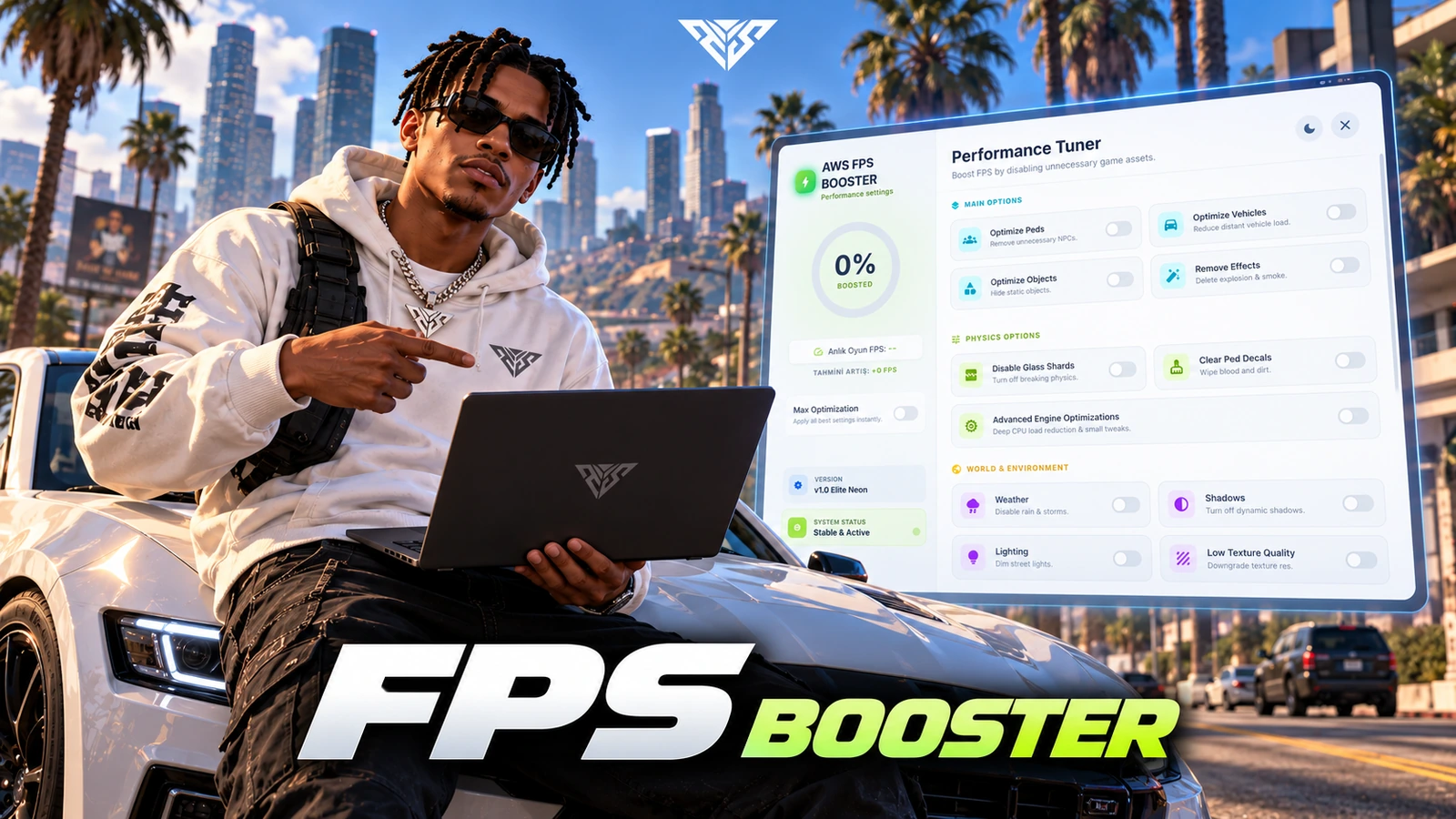
AWS FPS Booster
A client-side performance-options menu for configurable density, effects and visual settings.
Installation
Requirements
- FiveM; no framework/database dependency is declared
Startup order
This example selects one framework and target. Use the resources matching your configuration and start dependencies first.
ensure aws-fpsbooster
Setup steps
- Keep the supplied Config.lua and complete web/newui/ directory with the resource.
- Review Config.GlobalSettings against your server gameplay before exposing toggles to players.
- No SQL import is required. This menu changes client options; a specific FPS increase cannot be guaranteed on every computer.
Gameplay and usage
- Open the menu with F11 or /fpsMenu and test individual options before using the combined optimization action.
- Client integration export: exports['aws-fpsbooster']:setSetting(option, state). Use only option identifiers implemented in client.lua.
Configuration
- Config.lua: Config.Title, Subtitle and Language control branding and locale.
- Config.Key defaults to F11; Config.CommandString defaults to fpsMenu.
- Config.DisableKeybind disables the opening key.
- Config.GlobalSettings contains default behavior; Config.Locales defines the included labels.
Exports and integrations
aws-fpsbooster.setSetting— seeaws-fpsbooster/client.luafor its arguments and client/server context.
Troubleshooting
-
Menu will not open: check keybind conflicts and the configured command.
-
An option appears ineffective: compare the client implementation with other resources controlling the same effect or density.
-
Include the package version, framework and exact server/F8 error when requesting support. Remove private tokens and player data.
Package reference
| Manifest | Version |
|---|---|
fxmanifest.lua |
not specified |
Database files
No standalone SQL file is included. Check the installation steps above for tables created by server code.
Configuration reference
aws-fpsbooster/Config.lua:Title,Subtitle,Language,Locales,useModernUI,GlobalSettings,Key,DisableKeybind,CommandString
Frequently asked questions
Does this need Keymaster or an escrow key?
The Lua sources in this delivery package were readable in the static audit. No /assetpacks requirement is added by this package. Required framework, inventory and map resources still need to be installed separately.
Can I change the folder or database table names?
Keep the supplied folder names. Historical event, SQL and KVP identifiers are retained to protect existing integrations and saved data. Renaming a table or event requires a separate migration.
Why is an interface or item missing?
Check the startup order, selected framework/target adapter, inventory item definitions and the server/F8 console. The package does not install an entire framework or inventory for you.
Has this been tested on my server?
ZIP integrity, source readability, script syntax and manifest references were checked locally. Multiplayer gameplay, your framework version and integrations require a FiveM server acceptance test before a public release.