
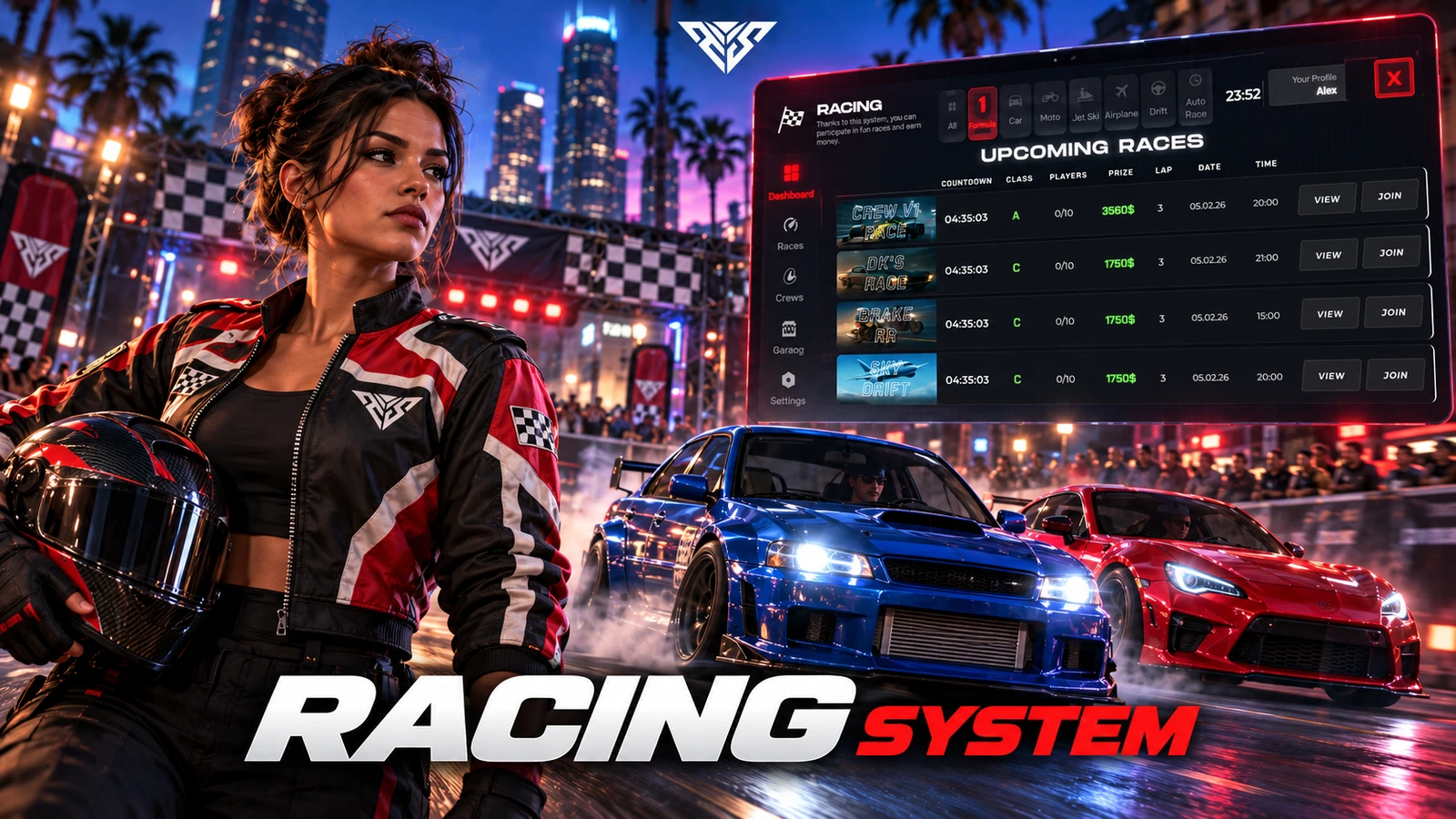
AWS Racing
Racing tablet with track creation, crews, race categories and configurable automatic races.
Installation
Requirements
- ox_lib, oxmysql and a supported framework adapter in shared/cores.lua.
- Inventory items are required only when FRKN.Item.config is enabled. Qbox needs its QB compatibility exports.
Startup order
This example selects one framework and target. Use the resources matching your configuration and start dependencies first.
ensure oxmysql
ensure ox_lib
ensure qb-core
ensure aws-racing
Setup steps
- Import the schema-only racingv2.sql on a backed-up database. Existing player/race/crew data was removed from the distribution copy.
- Create new tracks in game; original server track IDs and category track names may refer to removed sample data.
- The supplied racing UI is standalone; FRKN.UseTabletApp=false keeps the optional external tablet integration disabled.
Gameplay and usage
- Use /openTablet to open the supplied UI. Create a track, invite a second player and test a complete race.
Configuration
- shared/config.lua uses the FRKN table: language, MoneyType, VehicleTableName, Item, CategoryTracks and AutoRaceSystem.
- Set VehicleTableName to the real QB or ESX vehicle table. Review FormulaTrackId and category names after creating tracks.
Exports and integrations
aws-racing.IsTabletAppEnabled— seeaws-racing/client/client.luafor its arguments and client/server context.aws-racing.openTablet— seeaws-racing/client/core.luafor its arguments and client/server context.aws-racing.racingtablet— seeaws-racing/client/core.luafor its arguments and client/server context.aws-racing.IsTabletAppEnabled— seeaws-racing/server/main.luafor its arguments and client/server context.
Troubleshooting
-
Test checkpoint order, finishing rewards, bets/entry fees, crew permissions and reconnect behavior.
-
Do not enable automated categories until their configured tracks exist in your clean database.
-
Include the package version, framework and exact server/F8 error when requesting support. Remove private tokens and player data.
Package reference
| Manifest | Version |
|---|---|
fxmanifest.lua |
2.0.0 |
Database files
aws-racing/racingv2.sql
Configuration reference
aws-racing/shared/config.lua(edit the table returned/defined by this file).
Frequently asked questions
Does this need Keymaster or an escrow key?
The Lua sources in this delivery package were readable in the static audit. No /assetpacks requirement is added by this package. Required framework, inventory and map resources still need to be installed separately.
Can I change the folder or database table names?
Keep the supplied folder names. Historical event, SQL and KVP identifiers are retained to protect existing integrations and saved data. Renaming a table or event requires a separate migration.
Why is an interface or item missing?
Check the startup order, selected framework/target adapter, inventory item definitions and the server/F8 console. The package does not install an entire framework or inventory for you.
Has this been tested on my server?
ZIP integrity, source readability, script syntax and manifest references were checked locally. Multiplayer gameplay, your framework version and integrations require a FiveM server acceptance test before a public release.